Writers Room
Your writers' room, wherever you write.
Coming soon to iPhone.
THE HIGHLIGHTS
Everything the room needs.
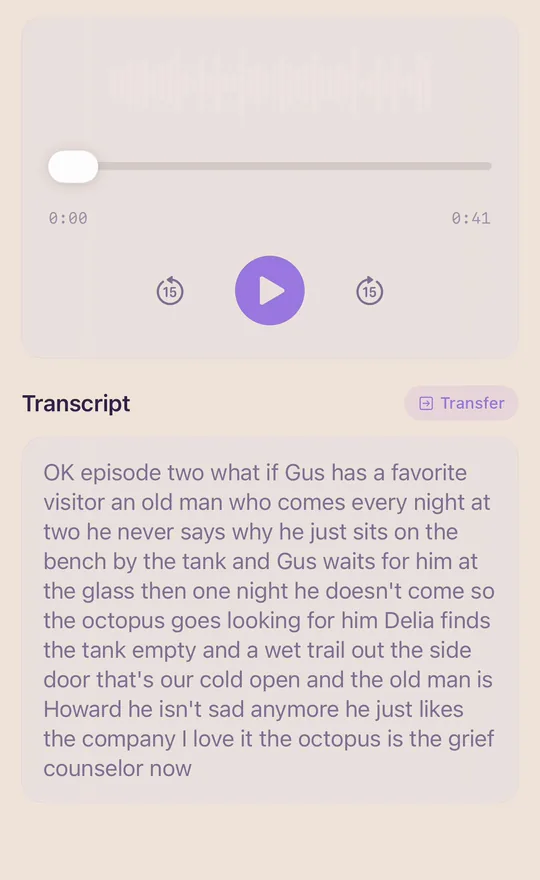
Record the room. Read it back.
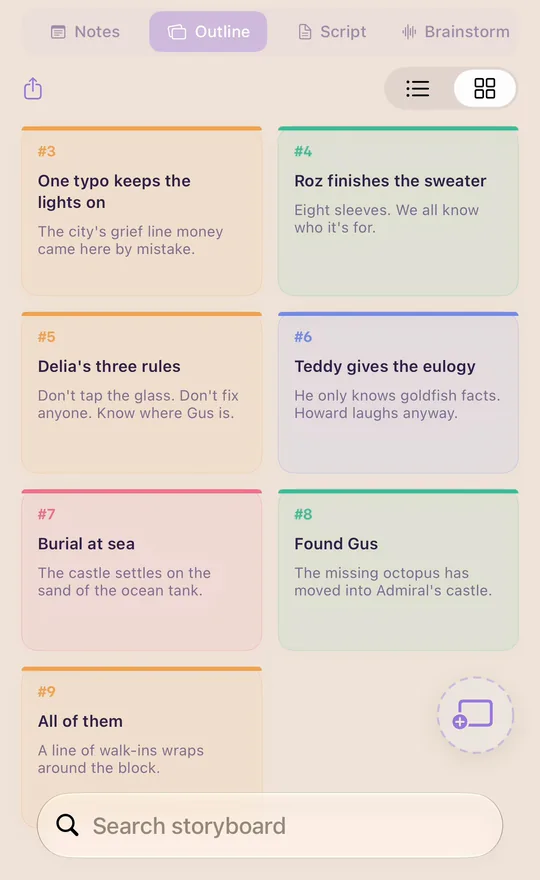
Every beat on a card.
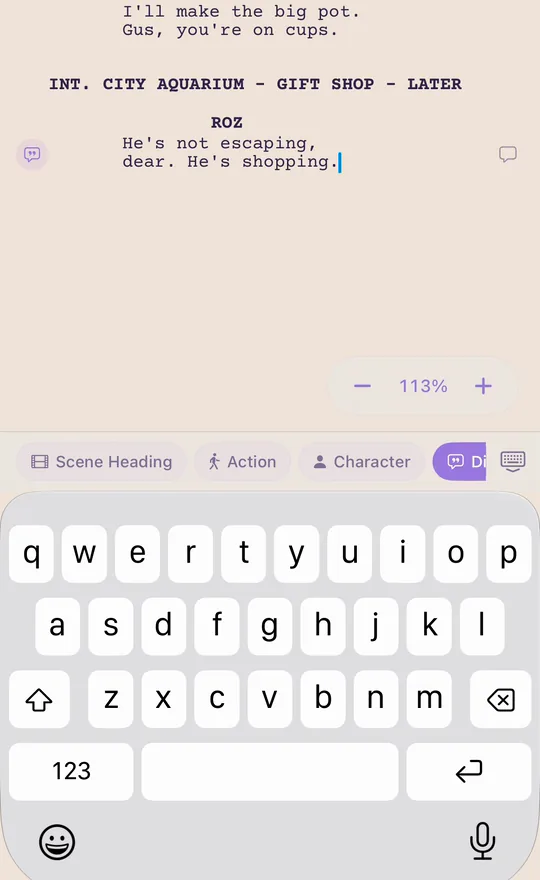
Proper format as you type.
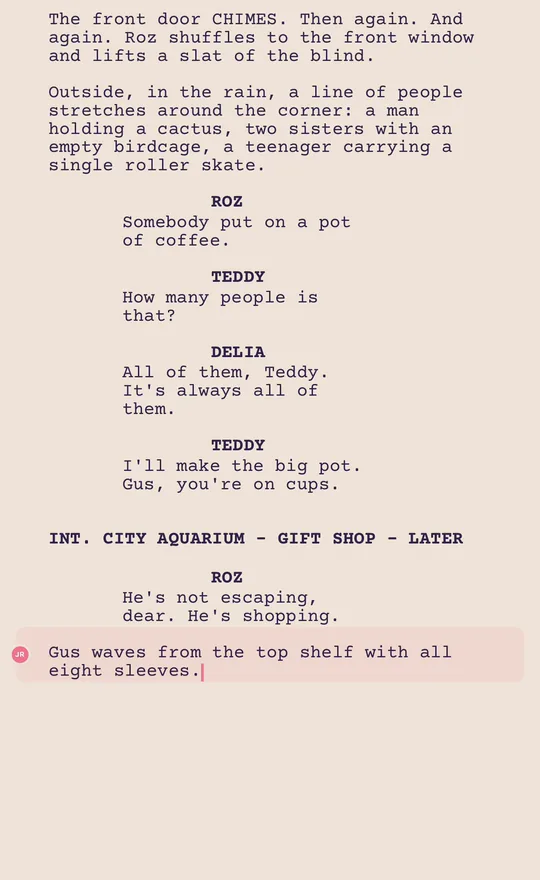
Two writers. One page.
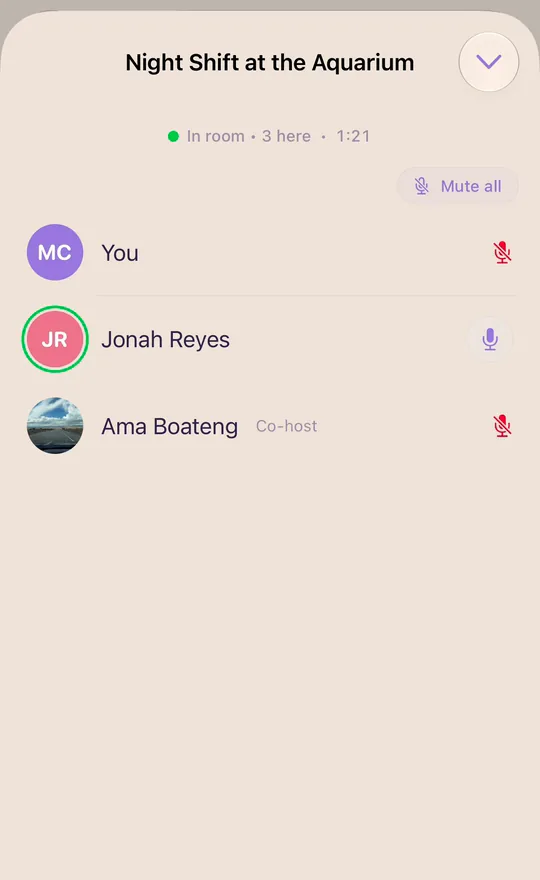
A room that's always open.
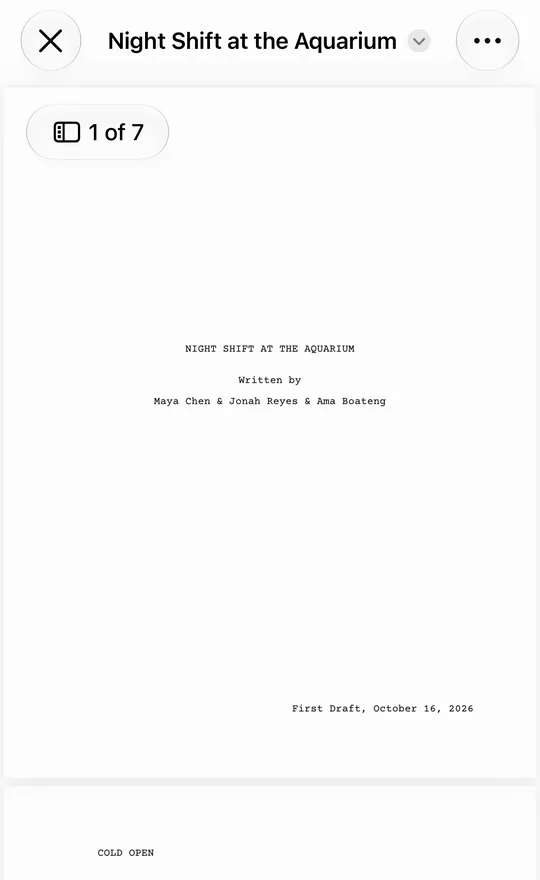
Out the door in two taps.
BRAINSTORM
Catch it before it's gone.
The best lines show up mid-conversation. Record the room, and Writers Room keeps every word.
Tap record.
Start a session in Brainstorm. Everyone in the room is on the record.
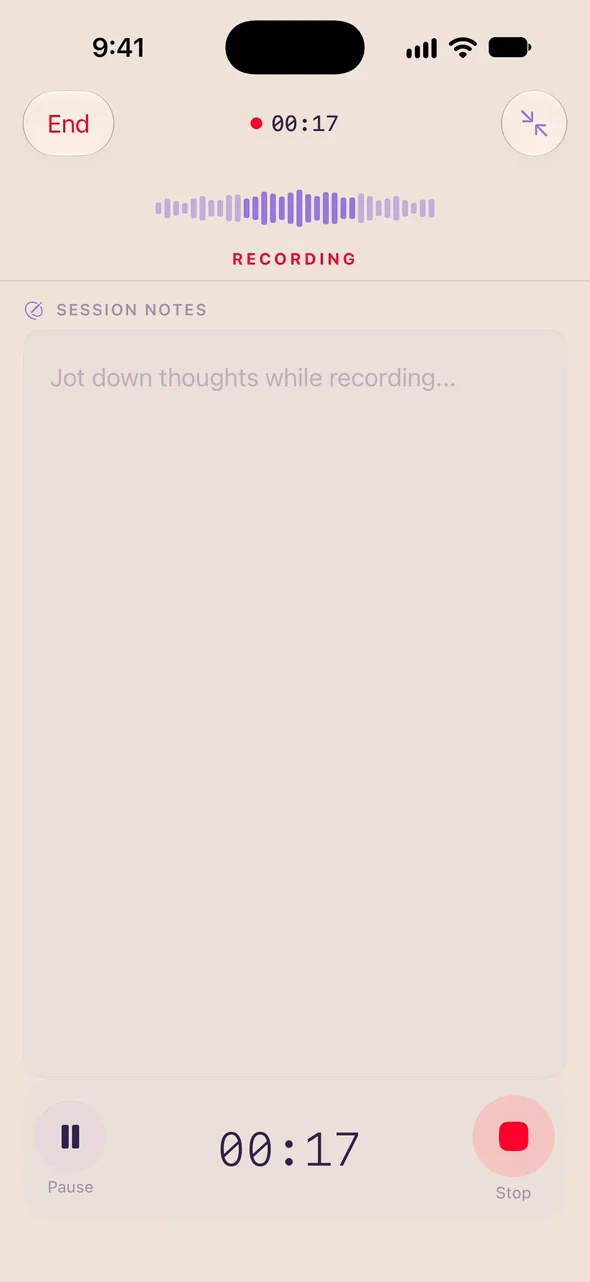
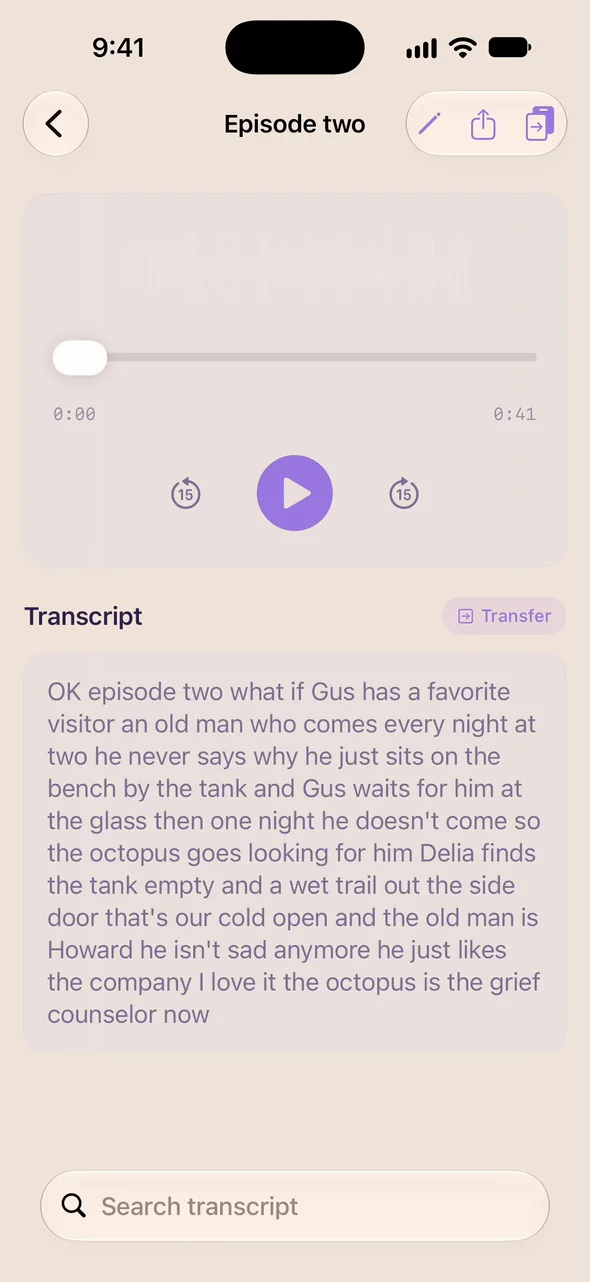
Transcribe it, then read it back.
Tap Transcribe on any recording, and its words appear, ready to read.
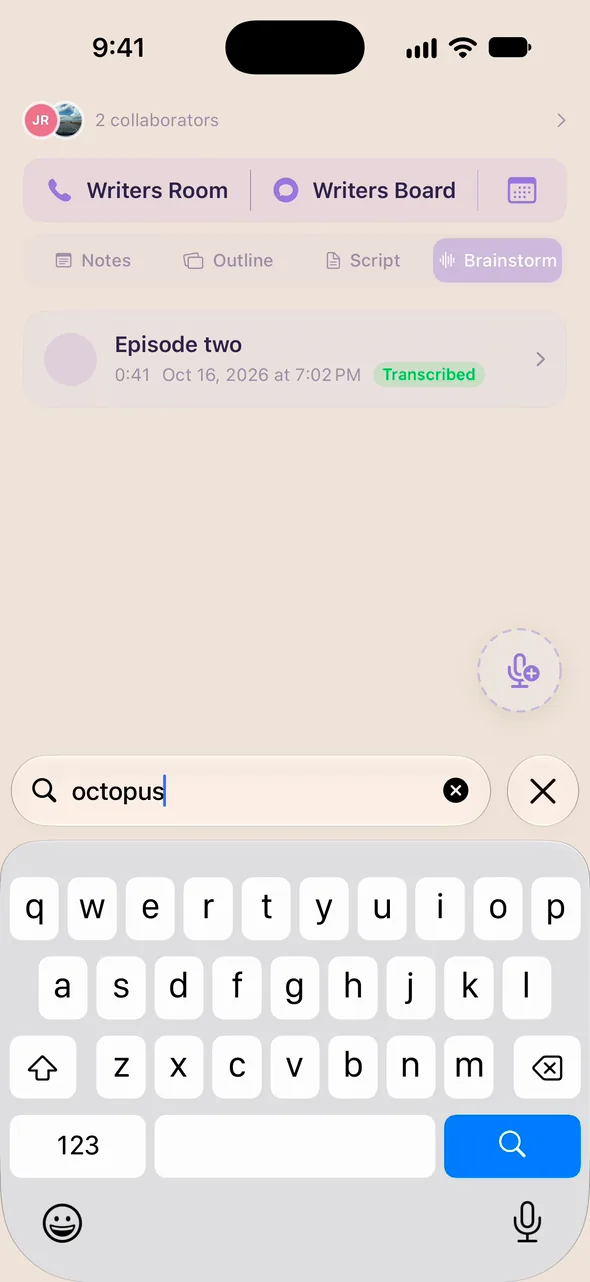
Find it later.
Search any word across every recording and transcript.
OUTLINE
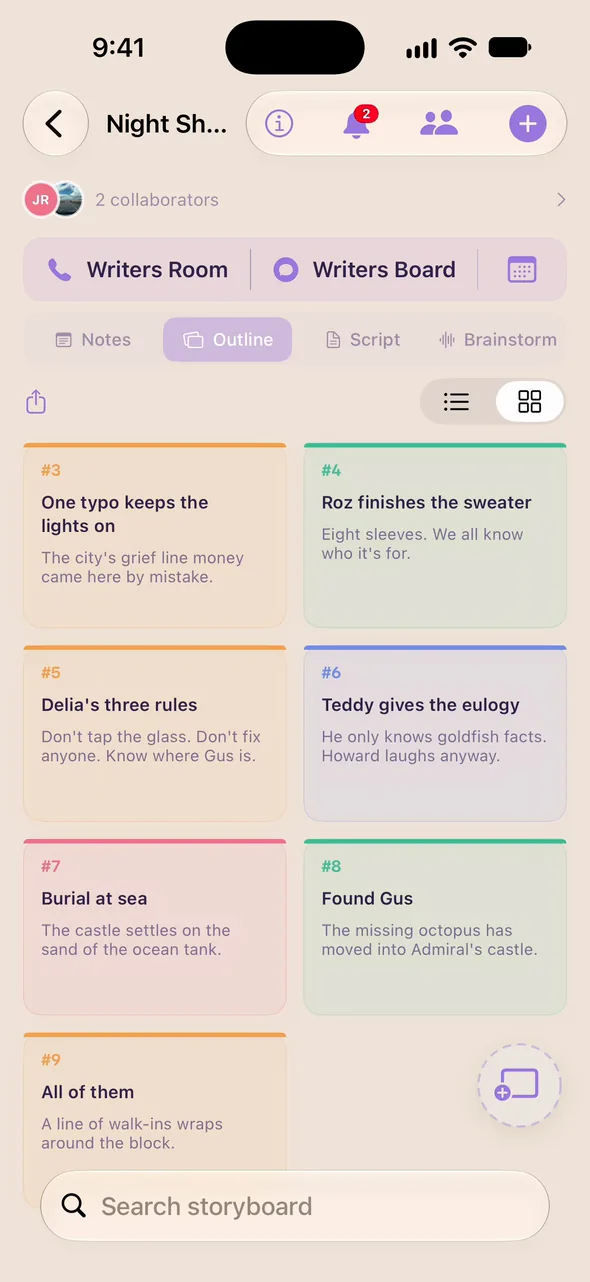
See the whole story at once.
Every beat on a card, color-coded. Move them until the story works.
Add a beat.
Tap +, name the beat, and say what happens.
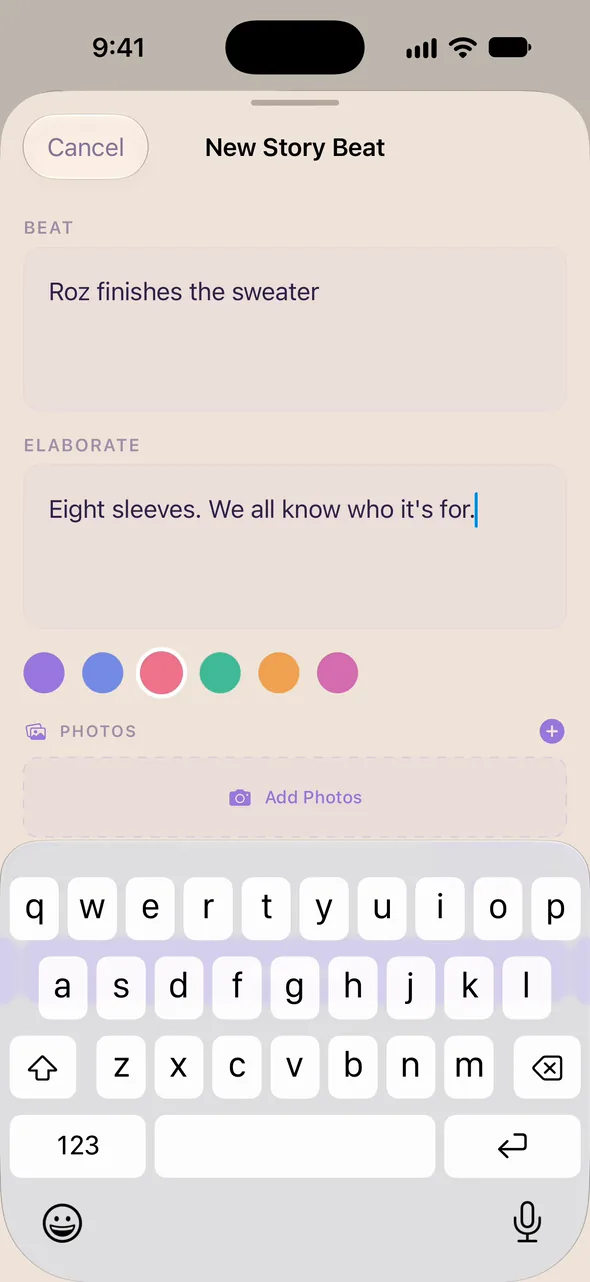
Give it a color.
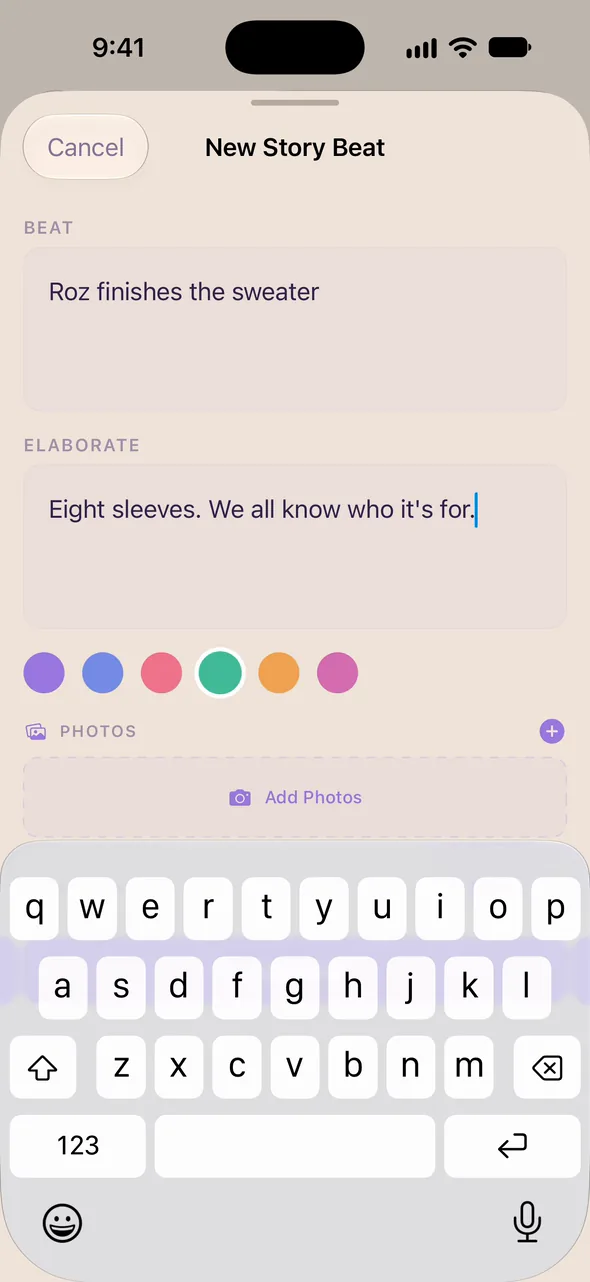
Color beats by storyline, character or act, whatever helps you see it.
Drag it into place.
Hold a card and move it. The outline follows.
SCRIPT
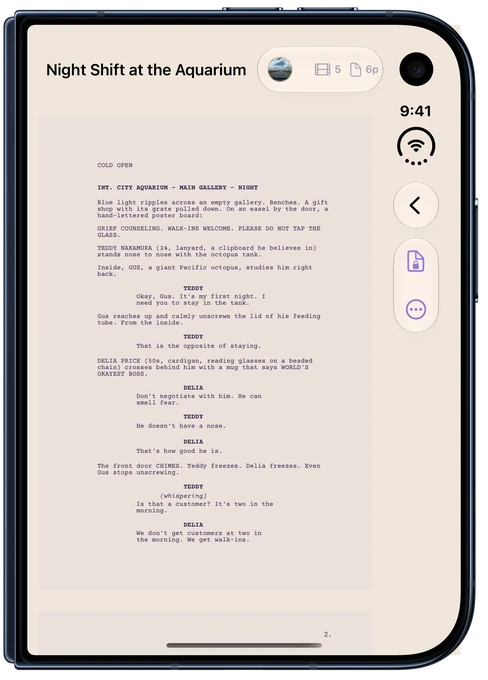
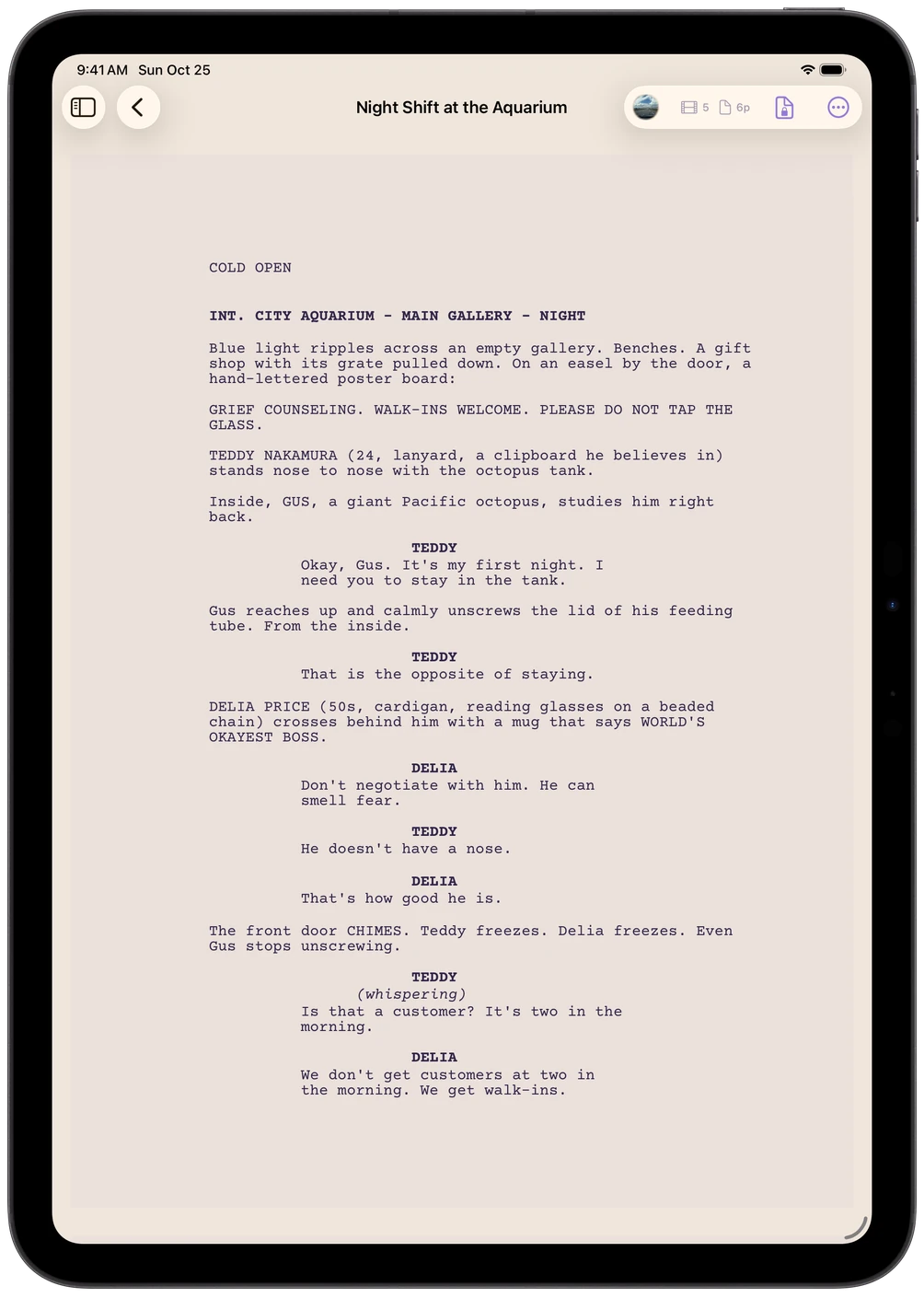
Proper format. Zero formatting.
Pick the element, and Writers Room handles the margins, the capitals and the spacing.
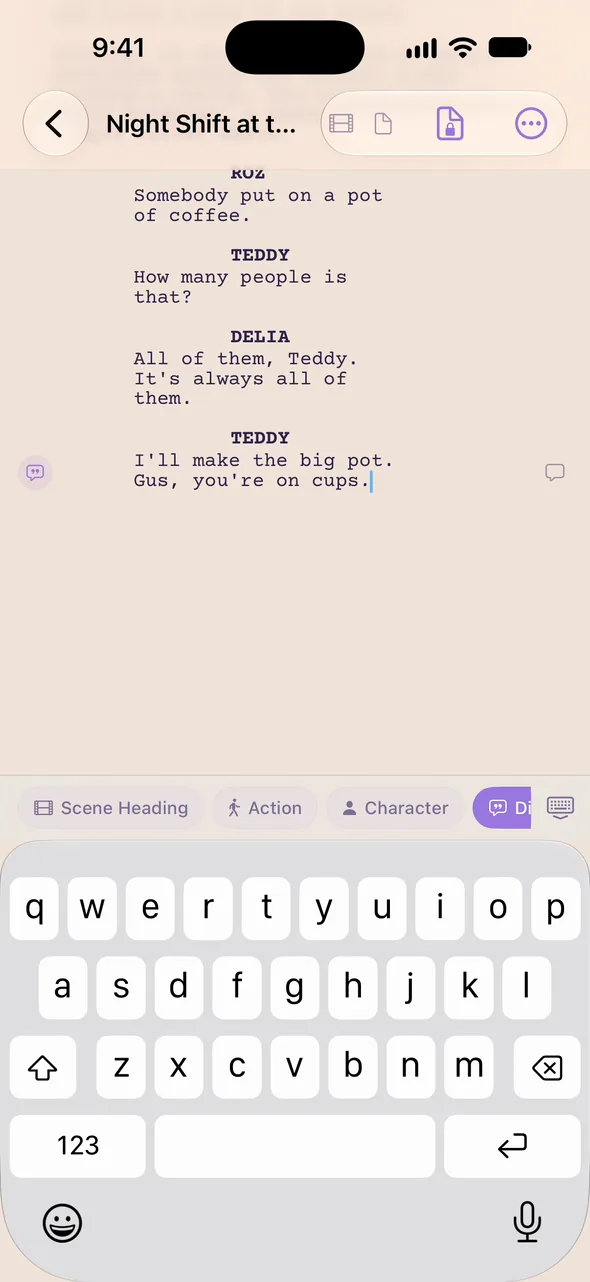
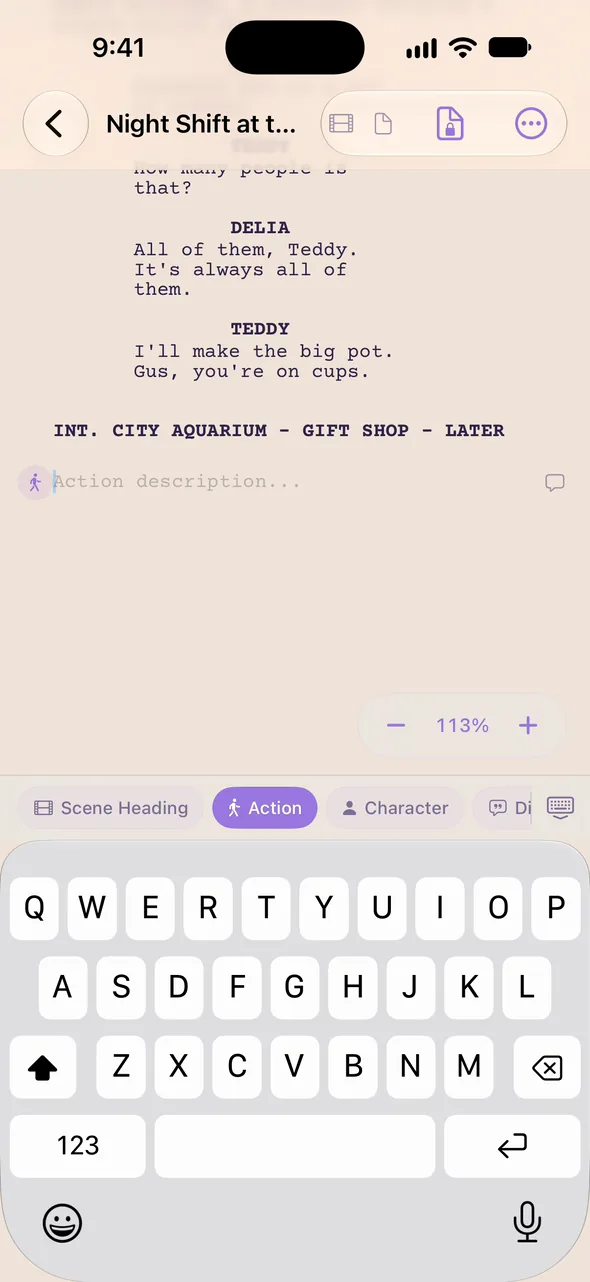
Choose the element.
Scene heading, action, character, dialogue: one tap in the element bar.
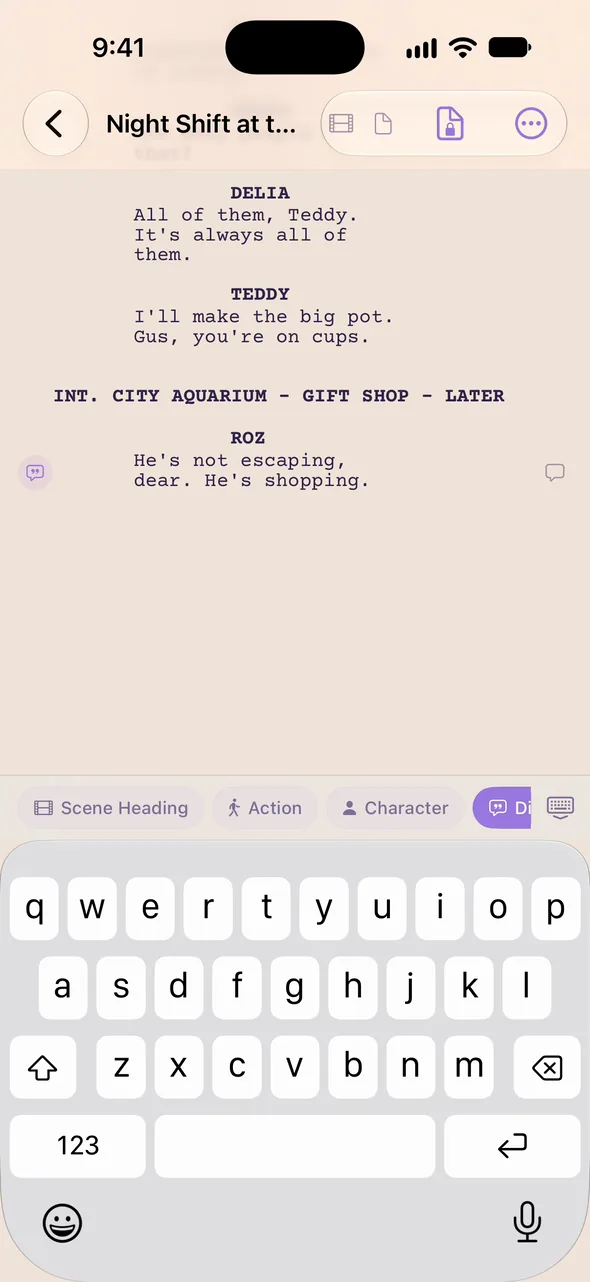
Just type.
Names go in capitals and dialogue lines up under them, as you type.
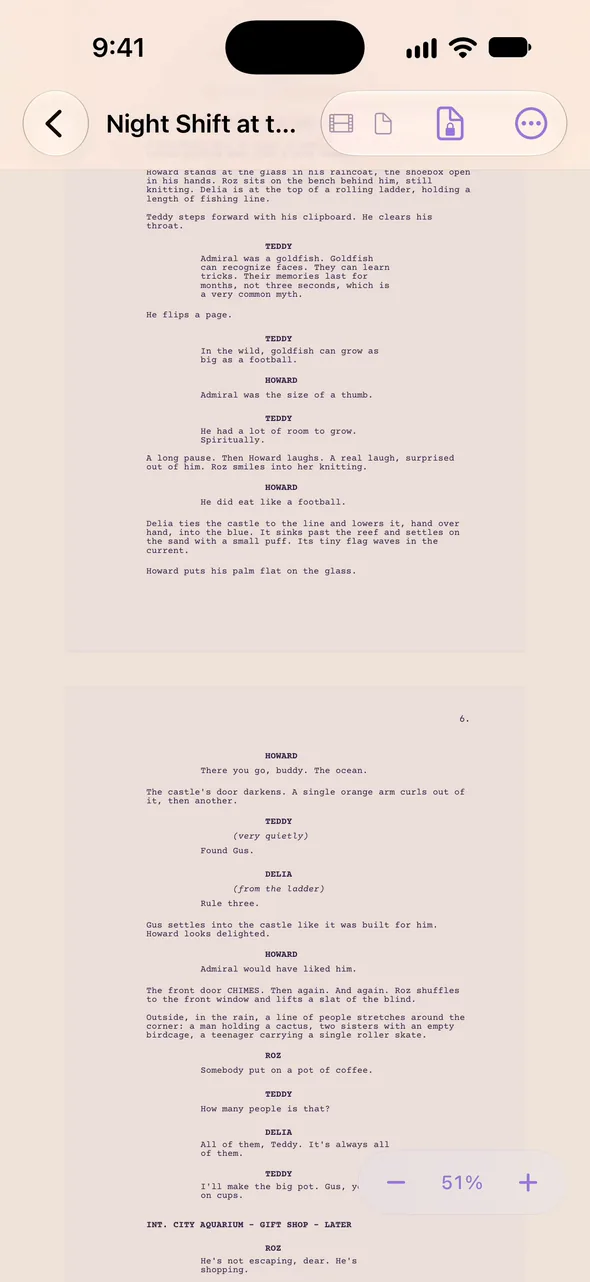
Pinch to see the page.
Pinch in to see the whole page as it will print.
Screenplay. Stage play. Book. Song.
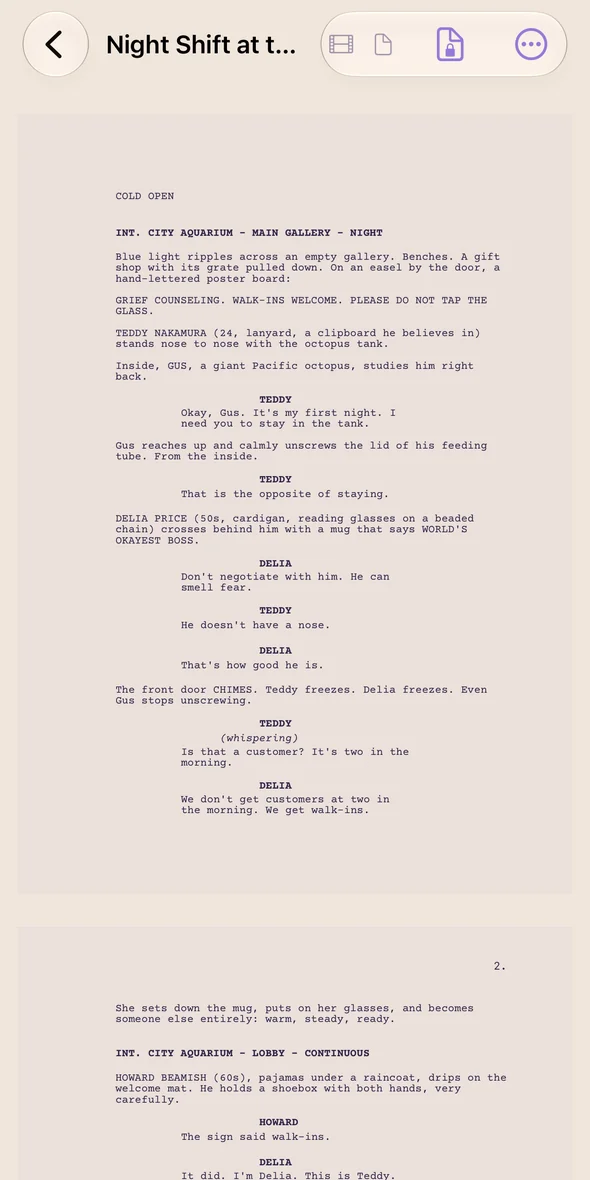
Screenplay
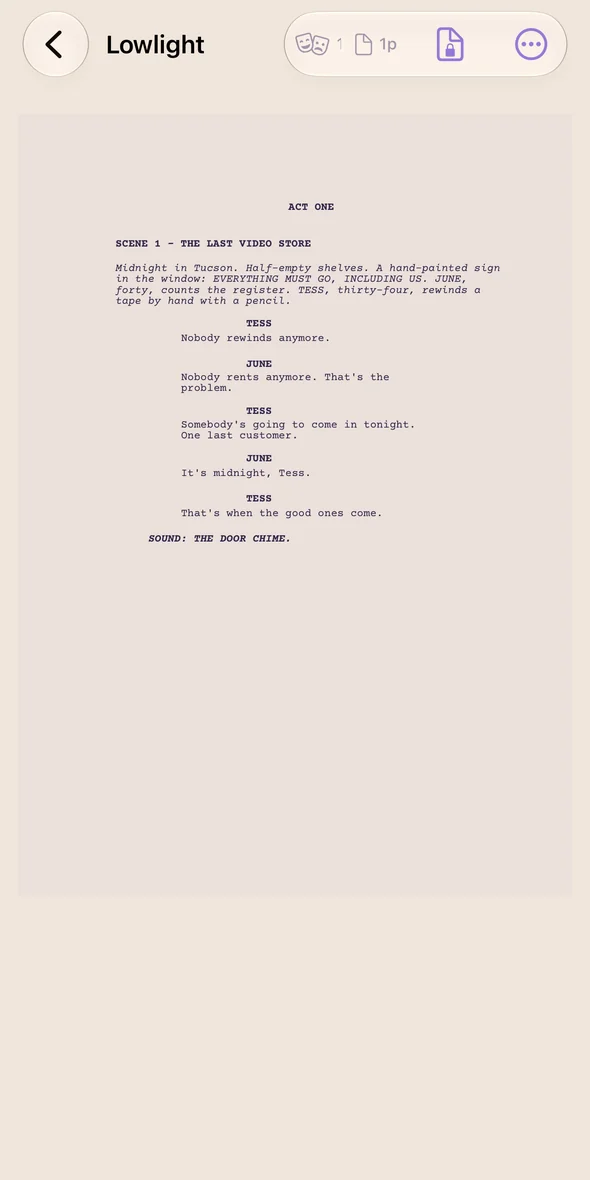
Stage play
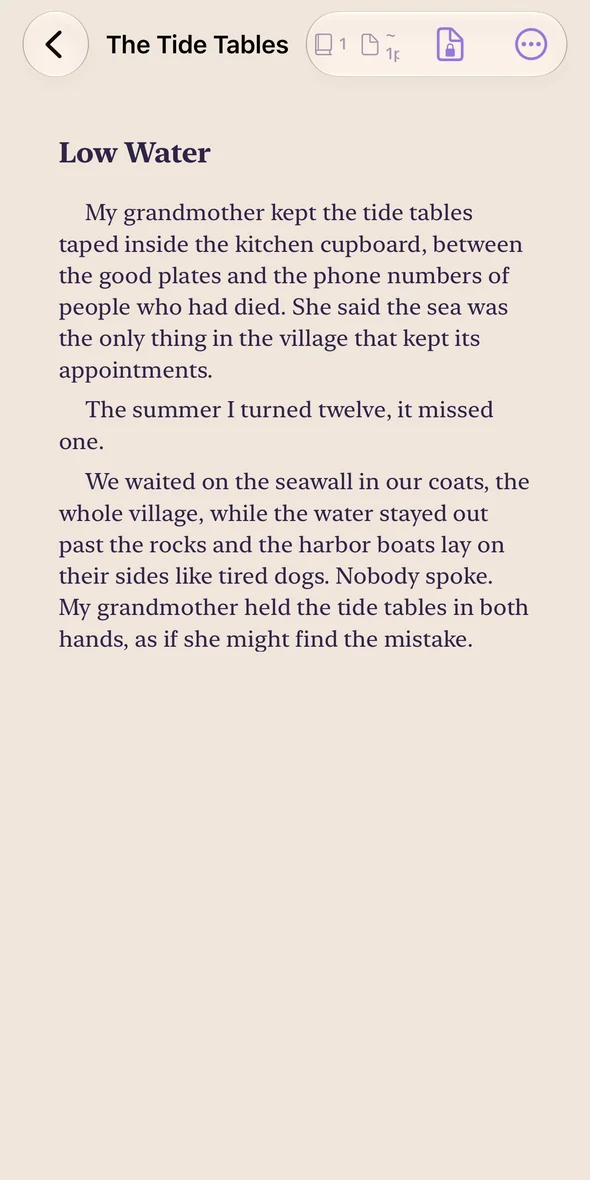
Book
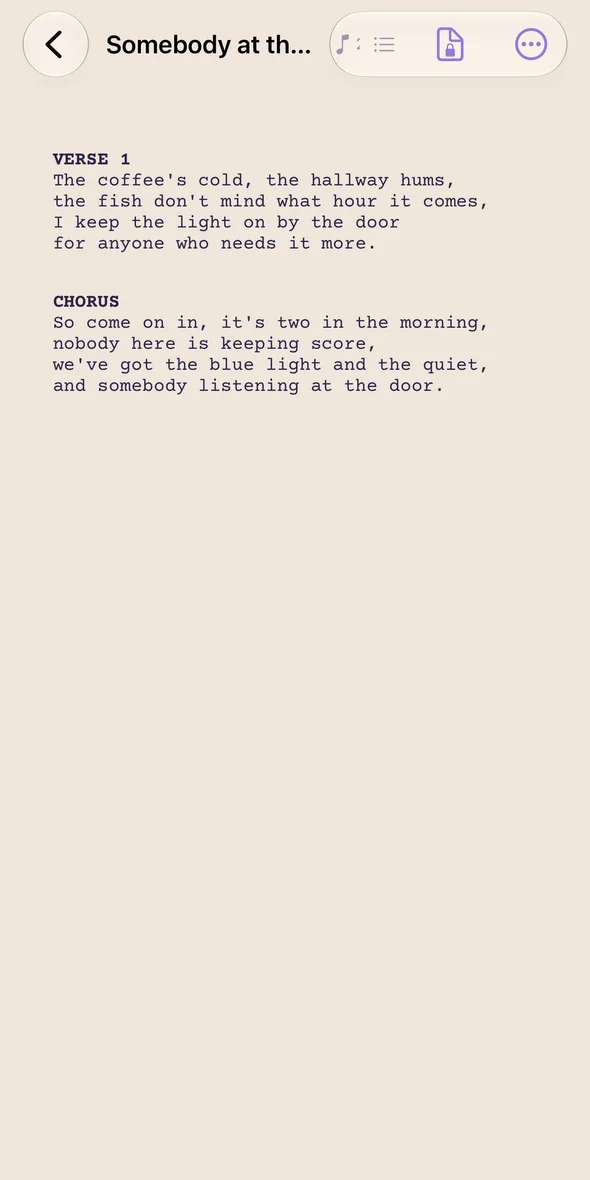
Song
Already have a draft? Bring it in from Final Draft or Fountain.
WRITE TOGETHER
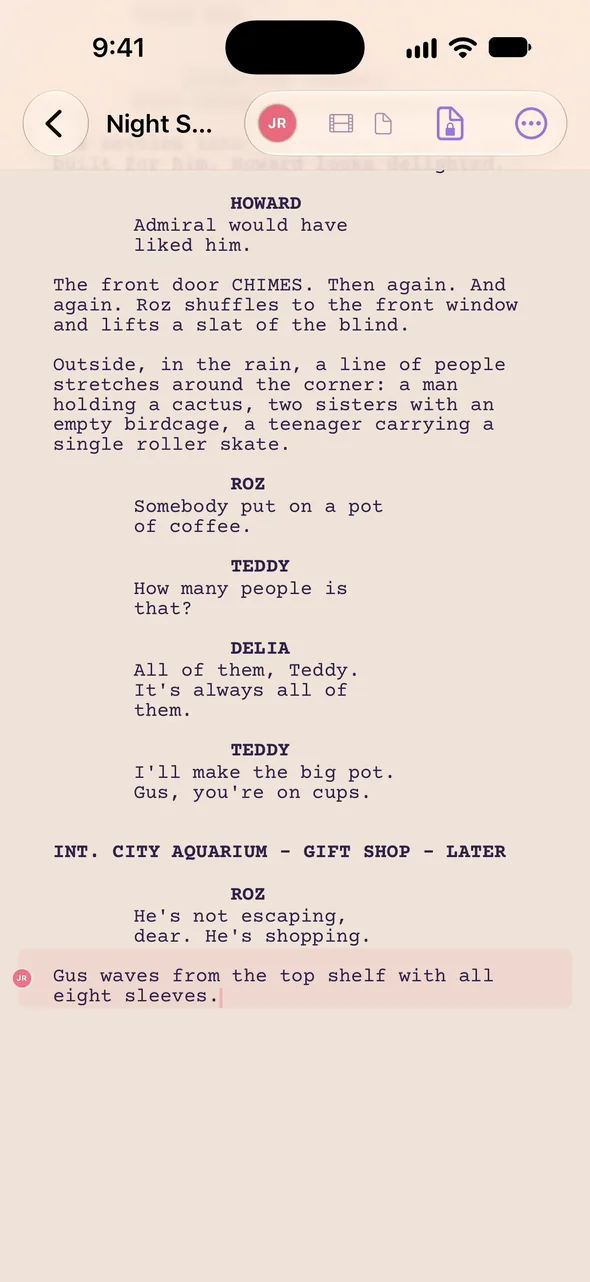
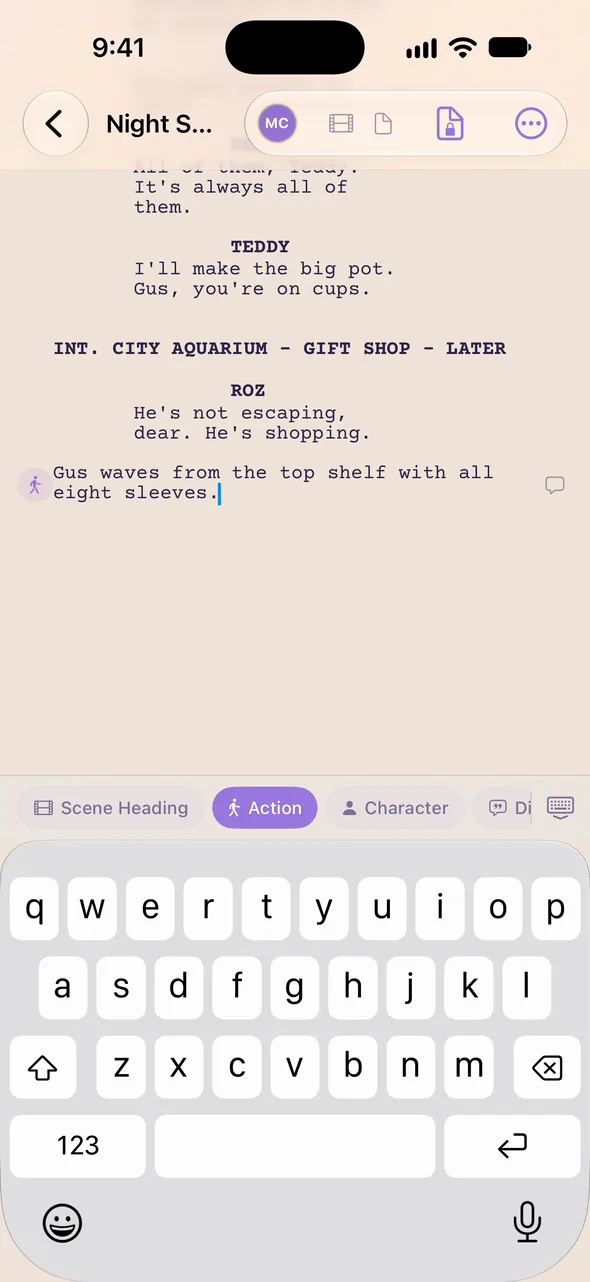
Two writers. One page. Live.
See who's on which line as they type, and leave a note right where it belongs.
THE ROOM
The room is always open.
Talk it out on a call, or keep it going on the Writers Board.
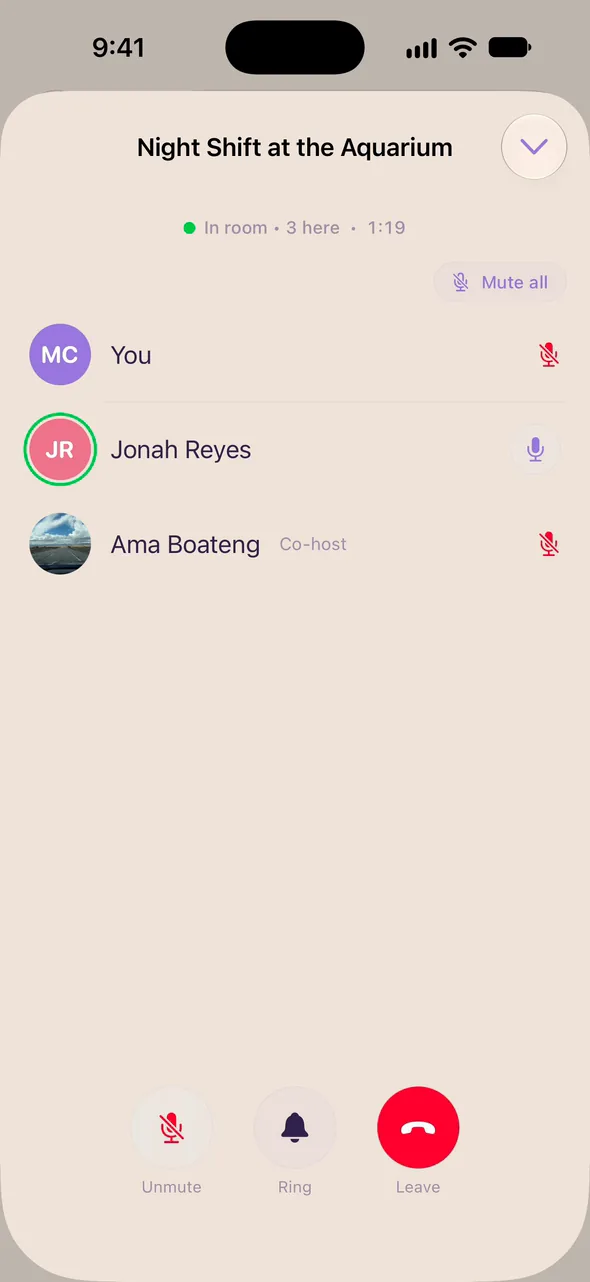
Start a call.
Tap Writers Room in any project, and the team can join.
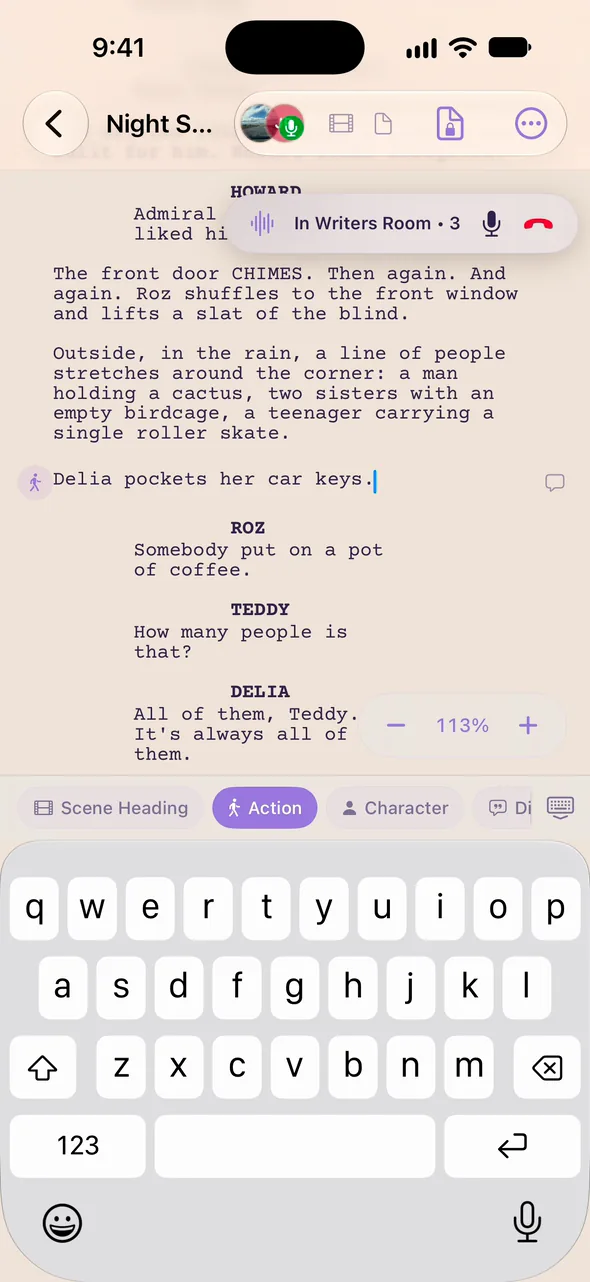
Write while you talk.
Minimize the call to a small pill and keep working. Drag it anywhere on the screen.
Keep the thread going.
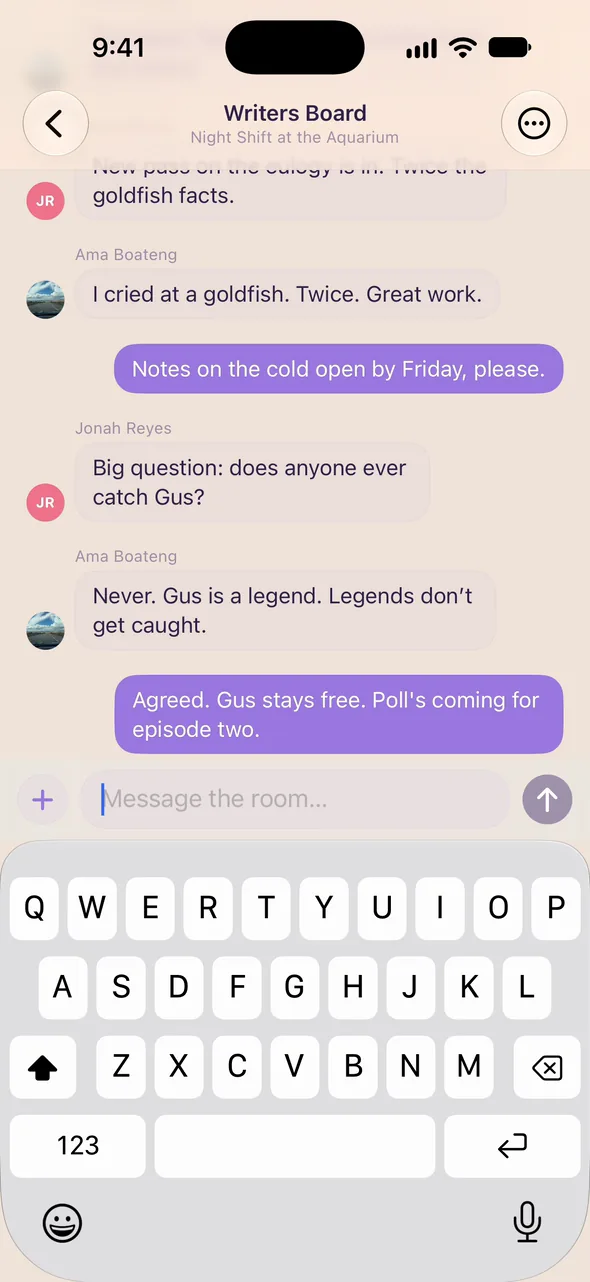
The Writers Board keeps the room's messages and photos in one place.
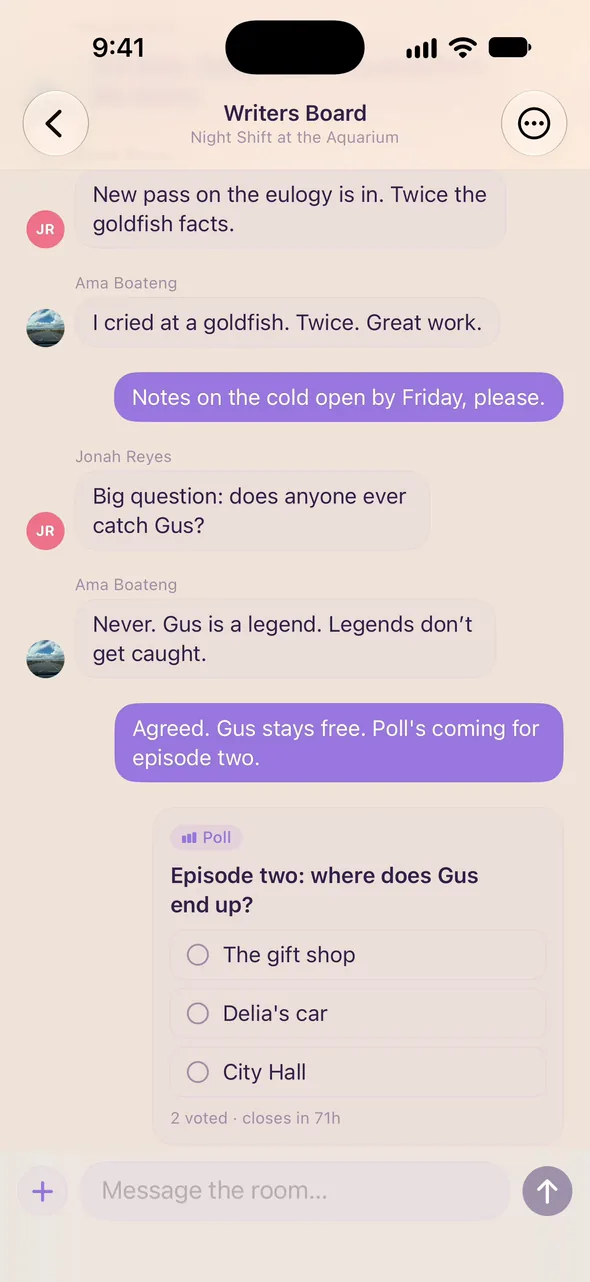
Settle it with a poll.
Ask the room, and everyone gets a vote.
KEEP IT ORGANIZED
Everything in its place.
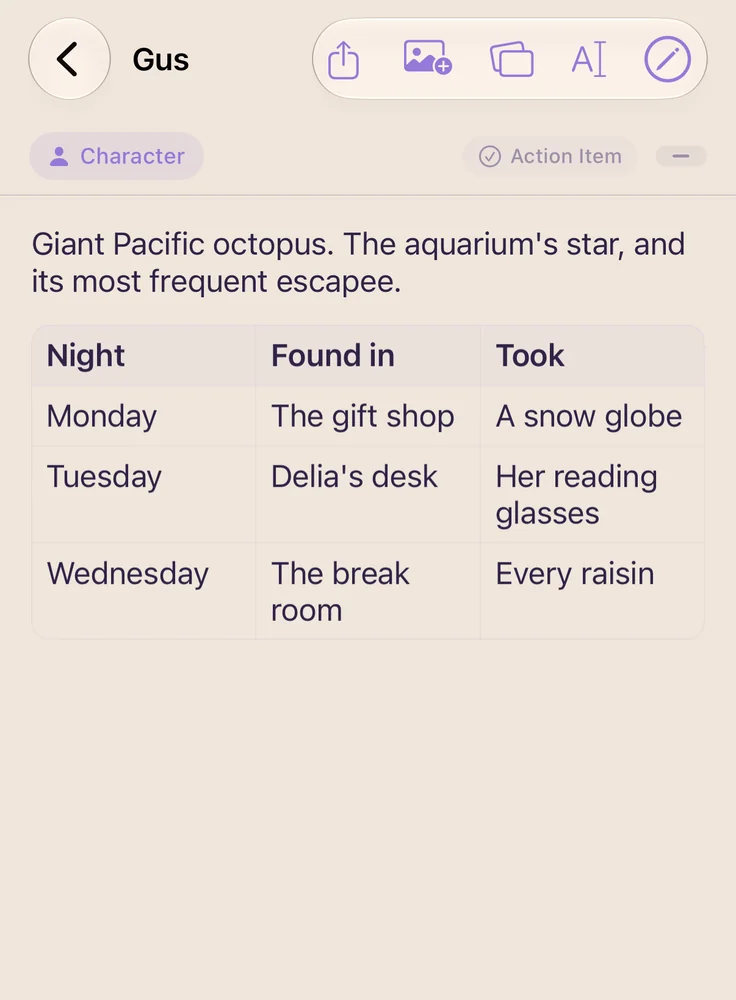
Notes
Characters, research, tables.
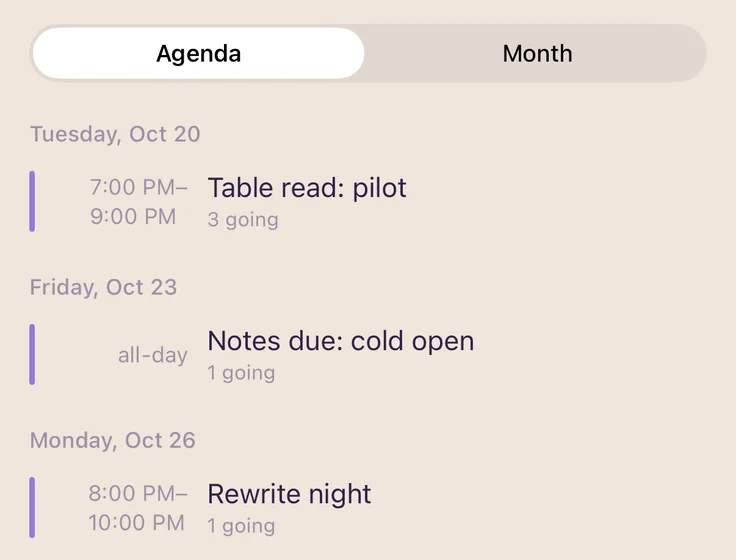
Calendar
Table reads, deadlines, shoot days.
Home
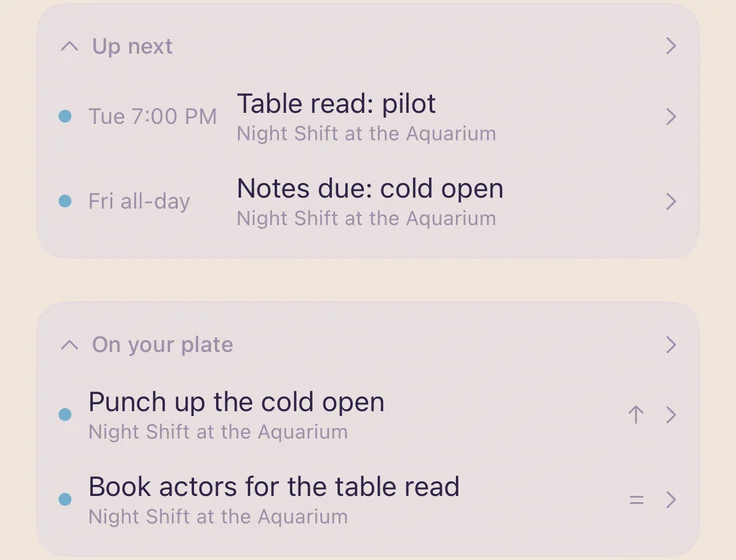
What's on your plate today.
EXPORT
Out the door in two taps.
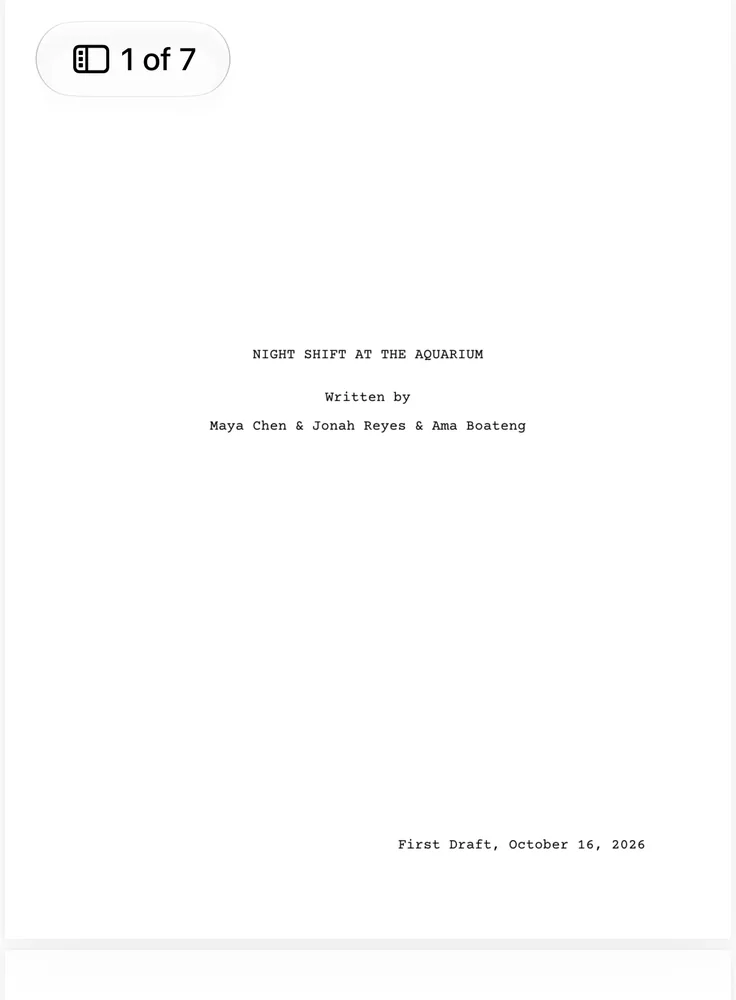
Print-ready, with a proper title page.
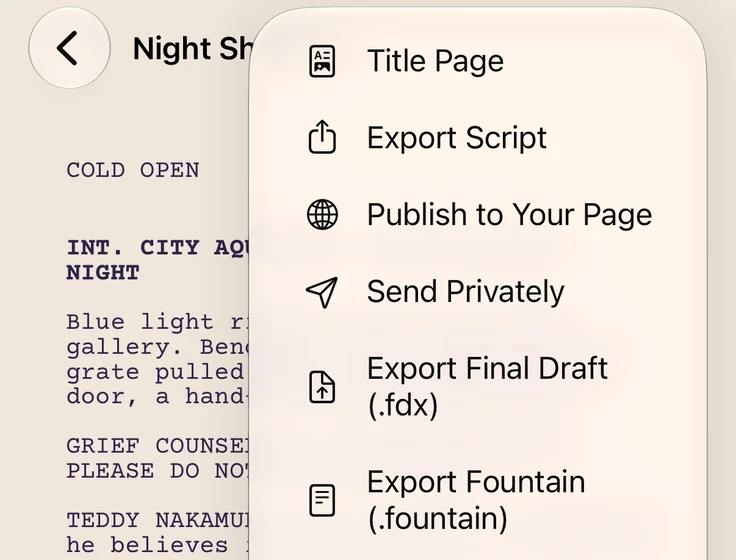
Final Draft and Fountain
Hand it to anyone, in the format they use.
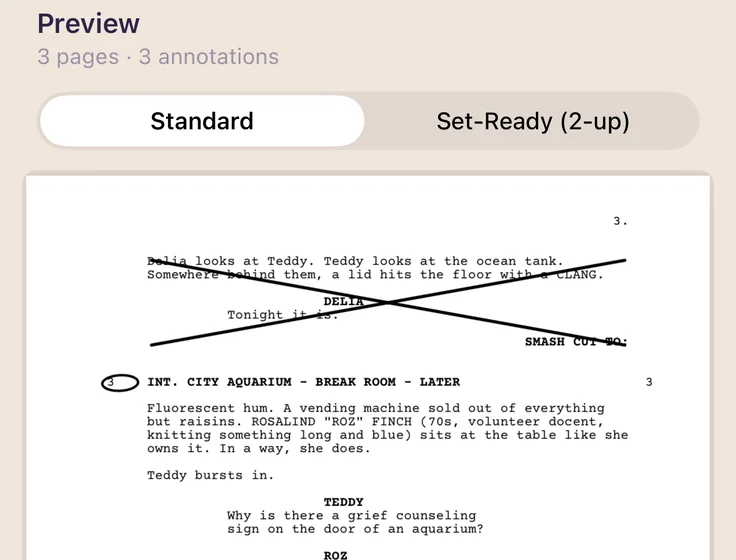
Sides
Just the scenes you're rehearsing.
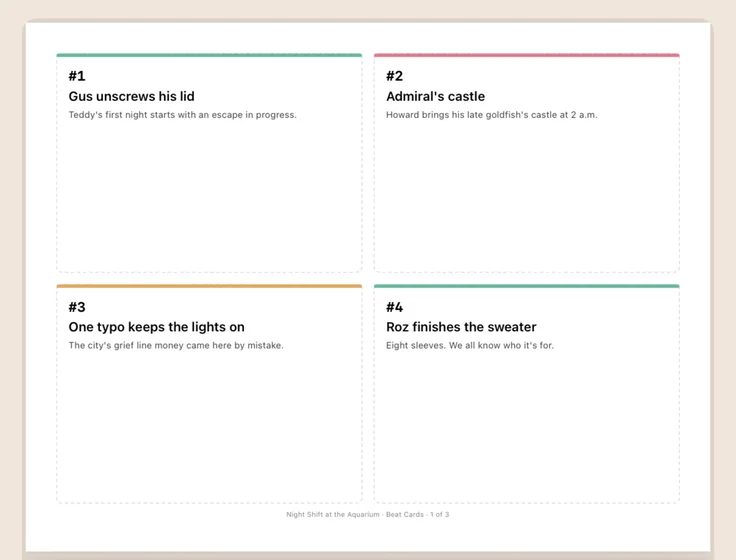
Index cards
The outline, ready for the wall.
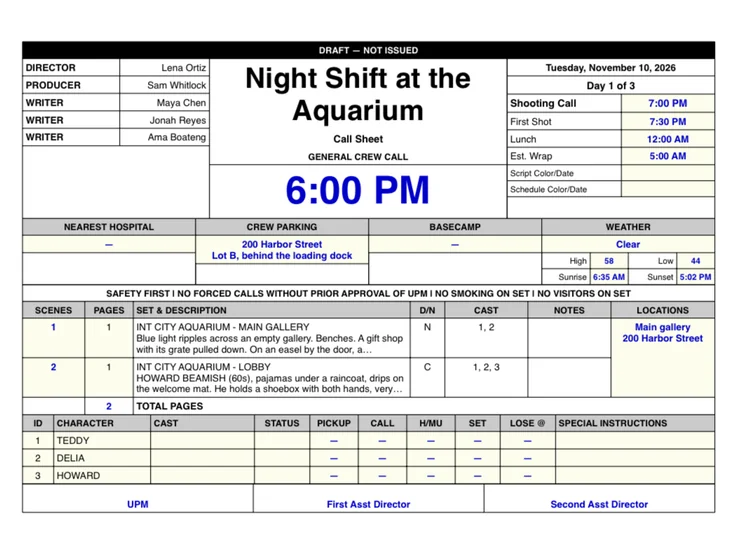
Call sheets
Who, where and when, for the shoot.
ANYWHERE ARTS
A home for your work.
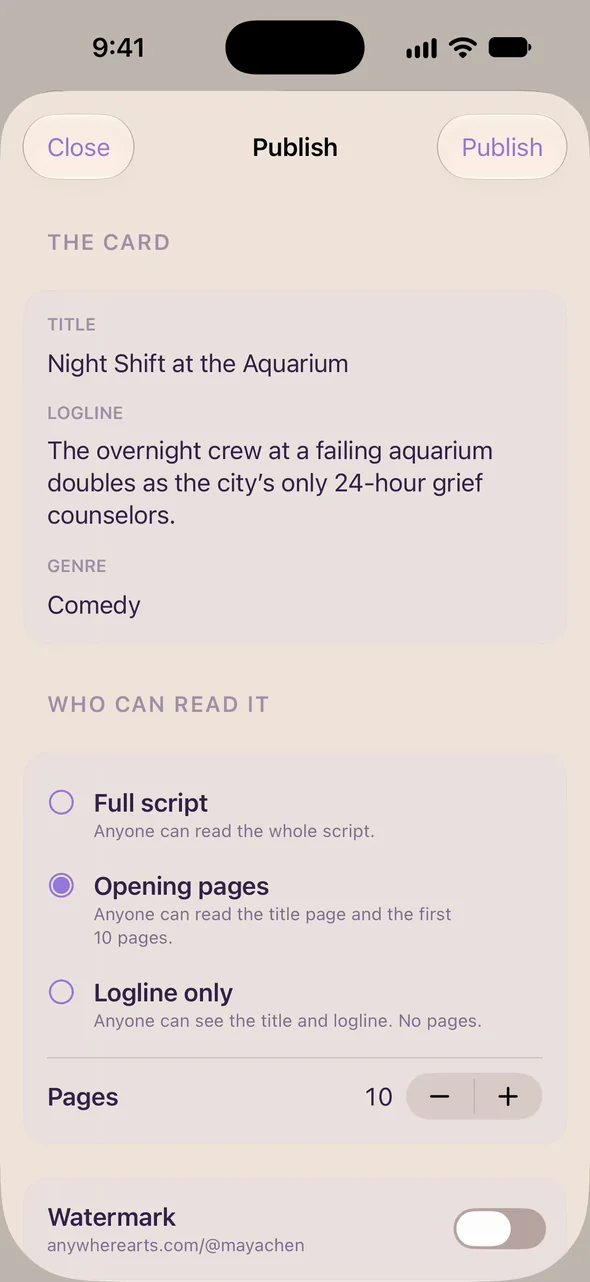
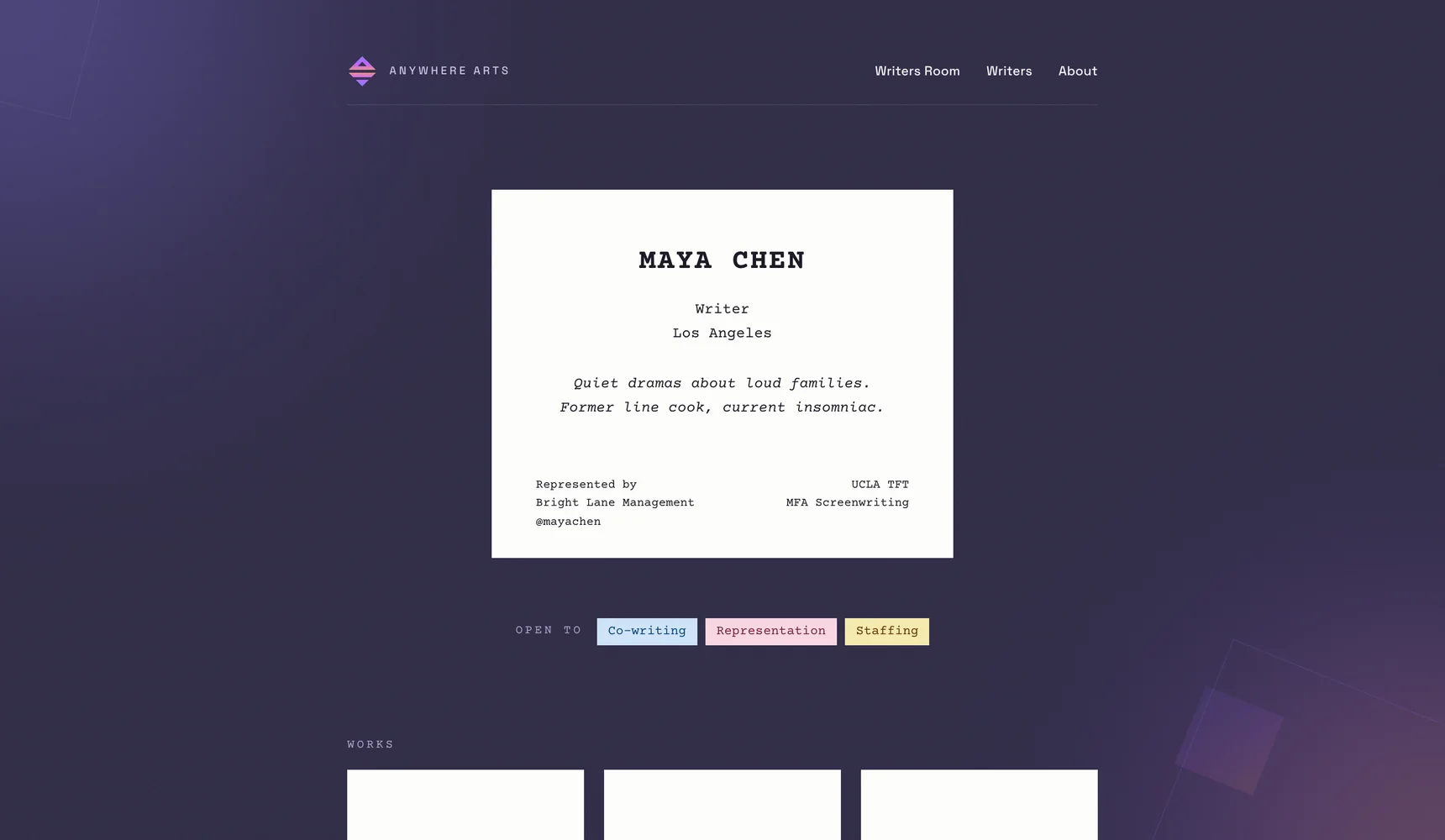
Publish a page on anywherearts.com, show your opening pages, and choose who reads the rest.
Publish your page.
Your scripts, your credits, and the pages you choose to show.
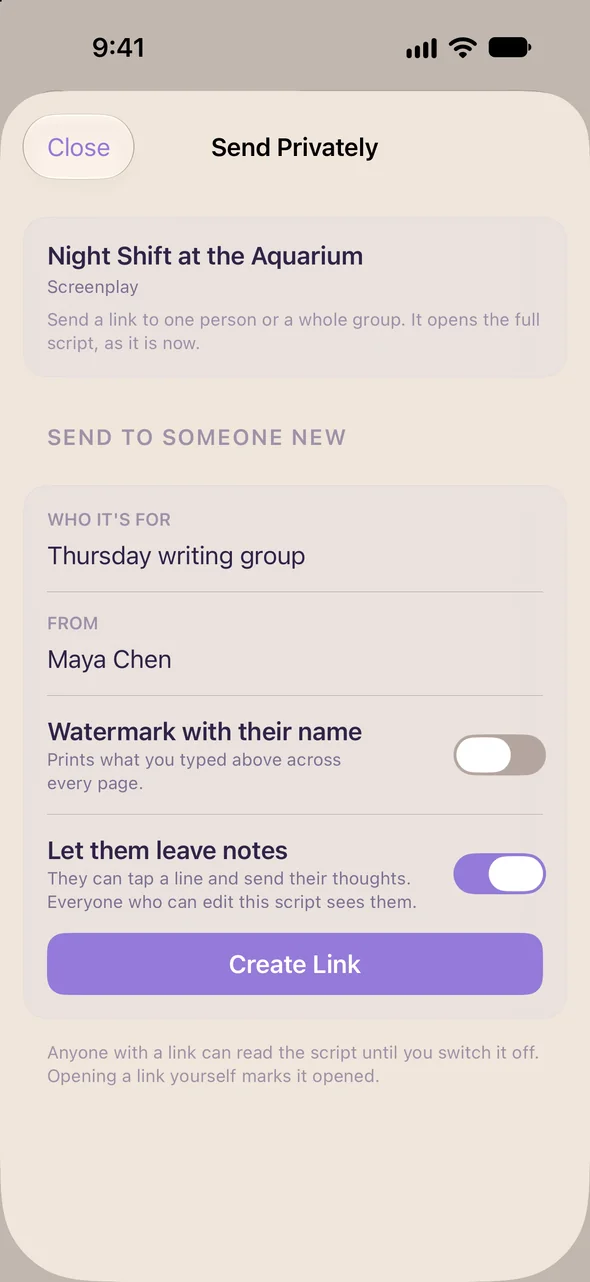
Send it privately.
A private link to your script, and you'll know when it's opened.
READER NOTES
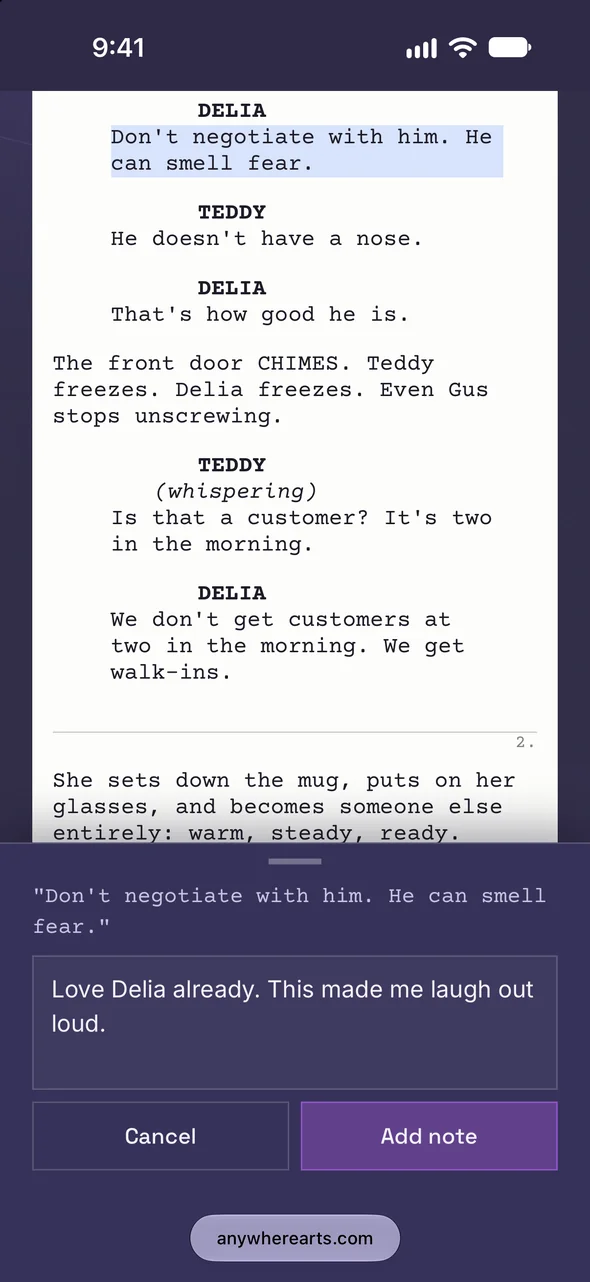
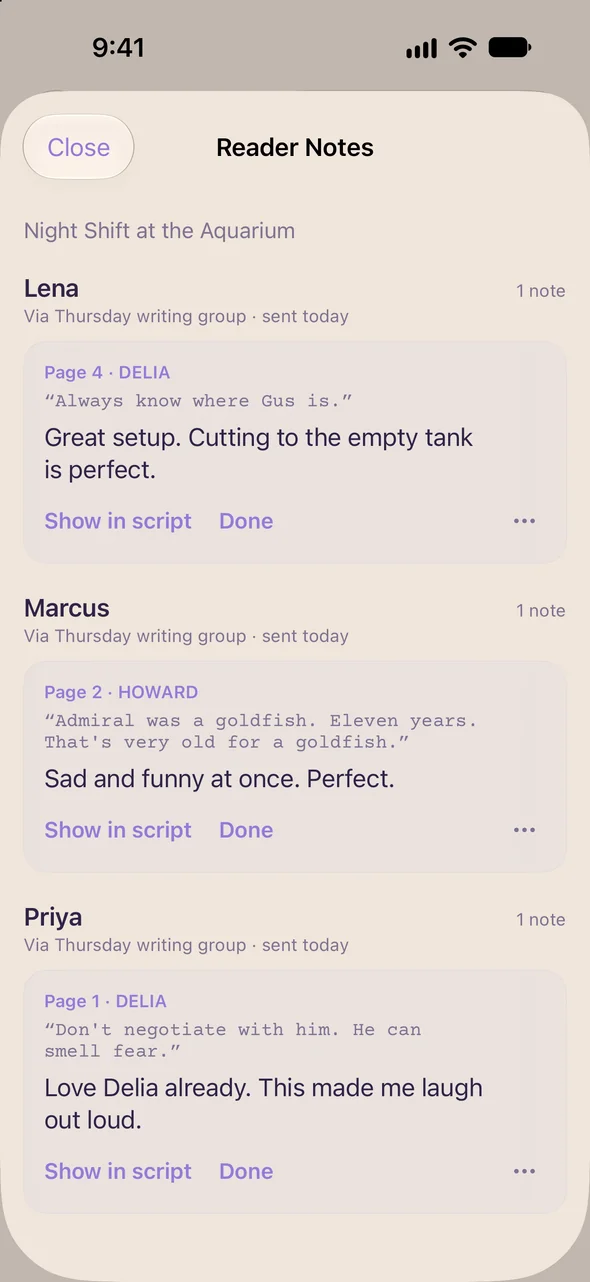
Notes on any line.
Drop a link in a group chat. Each friend taps a line, leaves a note and adds their name, and every note comes back to you.
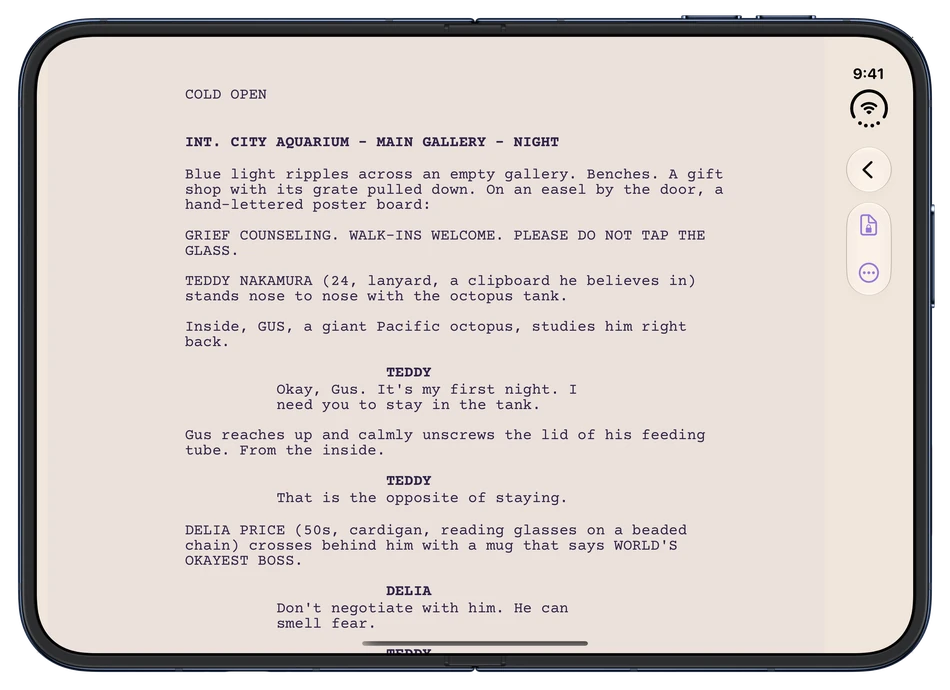
Also on iPhone Duo and iPad.